Paying utility bills in Rwanda is straightforward once you understand how the system works, and confusing the first time if you are used to monthly invoices. The two you will deal with most are water and electricity, and they work differently from each other. This guide covers both, how to pay each by mobile money, and how to stop missing deadlines.
Pebla lets you pay your cash power and water bills from one app instead of dialling codes, with your meter and account numbers saved so you are not hunting for them each time, and every payment tracked in your spending history. The rest of this guide explains how bills work in Rwanda so you understand what you are paying either way.
Electricity is prepaid, so there is no monthly bill
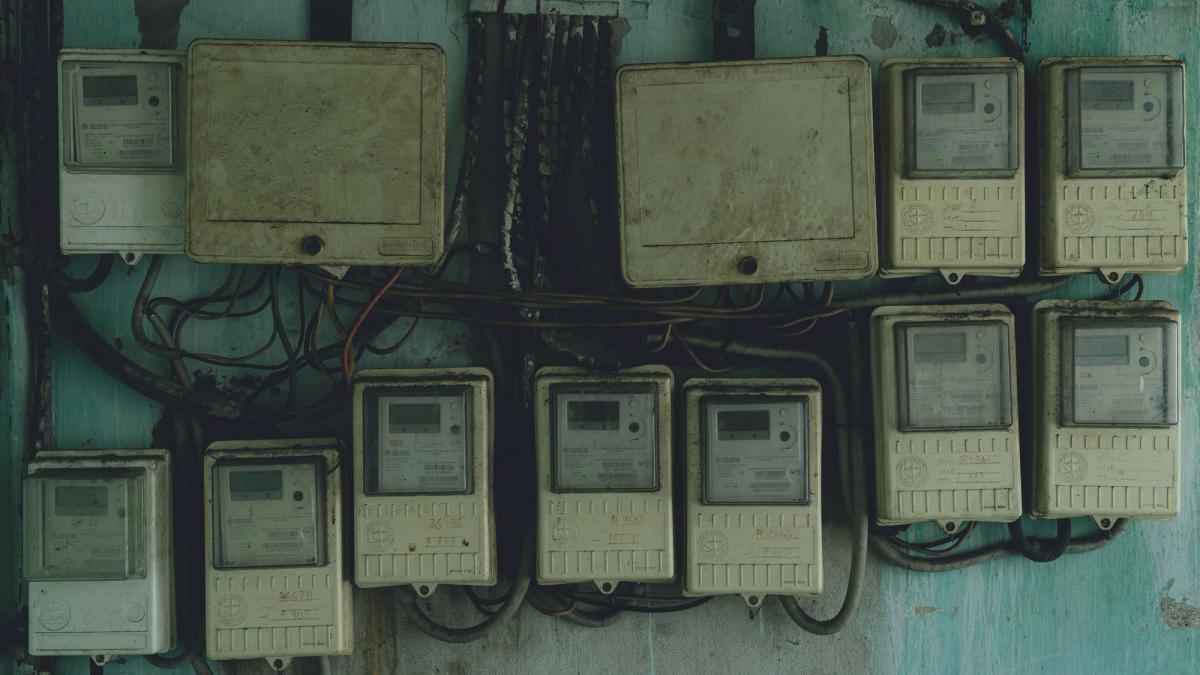
The first thing that surprises many people is that household electricity in Rwanda is prepaid. You do not get a bill at the end of the month. You buy electricity in advance, the way you buy airtime, and your meter runs down as you use it. This is usually called cash power.
When your balance runs low the meter warns you, and if it reaches zero the power cuts until you top up. So the thing to watch is not a due date, it is your remaining balance. Check it early in your stay to learn roughly how much you use, so you know how often to top up.
To buy cash power by mobile money on MTN, dial *720*1# and follow the prompts. You will need your electricity meter number, the long code printed on the side of the meter box, so keep it somewhere you can find it. The token you receive is entered into your meter to add the power.
Water is billed monthly by WASAC
Water works the way you probably expect. WASAC, the national water utility, reads your meter and issues a monthly bill that you pay by the end of the month.
To pay your water bill by mobile money on MTN, dial *182#, choose the pay bill option, and follow the prompts. You will need your WASAC account or meter number. You can also check your water bill by SMS: open your messaging app, type WASAC followed by a space and your account number, and send it to the WASAC short code to receive the balance.
The real problem is not paying, it is remembering
The payments themselves are quick. The friction is everything around them.
You usually remember the bill after the ideal moment to pay it. The account or meter number is never memorised, so you go looking for it in an old SMS or a different app, then come back to finish. With electricity there is no reminder at all until the balance is already low, which tends to mean topping up at an inconvenient time. And once you have paid, the payment disappears into your SMS history, so you never get a clear sense of what you actually spend on utilities each month.
None of these are payment problems. They are visibility and timing problems, and they are fixable.
A simpler way to handle bills
Pebla brings water and electricity into one place. You pay from the app instead of dialling codes, and because your meter and account details are saved, you are not hunting for numbers every time. The payment flow is the same underlying mobile money, so it still works the way you expect, you just do not have to assemble it yourself.
Two things change beyond convenience. First, every bill payment lands in your spending history automatically and sorted by category, so for the first time you can see your monthly utility spend as part of your overall picture rather than guessing. Second, because the payments are tracked, you can stay ahead of deadlines and low balances instead of reacting to them.
The result is that bill day stops being a small monthly scramble. You pay, you see it recorded, and you move on.
Quick reference
- Electricity (cash power): prepaid, no monthly bill. Top up via
*720*1#, meter number required. Watch your balance, not a due date. - Water (WASAC): monthly bill. Pay via
*182#, account or meter number required. Check balance by SMS to the WASAC short code. - Either, via Pebla: pay from the app, details saved, every payment tracked in your spending history.
Whichever method you use, the codes above will get the bill paid. If you would rather not memorise them, track what you spend, and stop missing deadlines, paying through Pebla does all three.
Download Pebla on the App Store and Google Play.
Related: Why bills feel stressful, and how to fix it · The hidden costs of paying bills the hard way · MTN MoMo and Airtel Money USSD codes