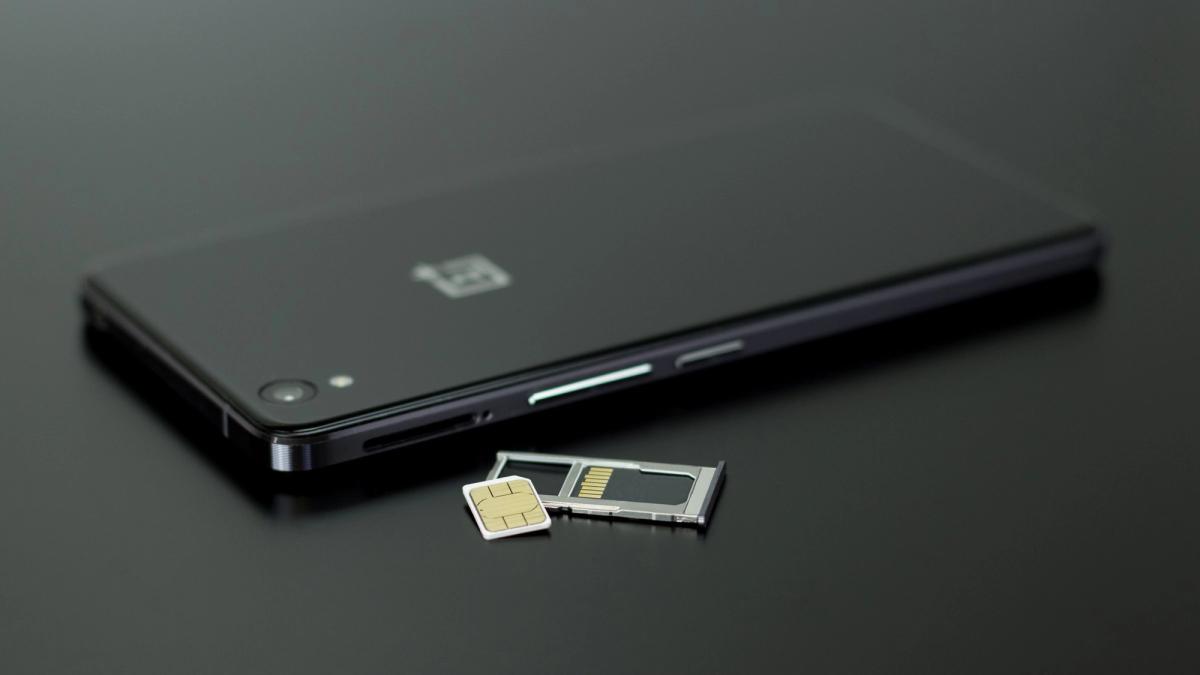
If you have just arrived in Kigali, getting a SIM card and Mobile Money set up is the first thing to sort out. Almost everything here runs on mobile money. You pay motos, market vendors, your water and electricity, and most small purchases straight from your phone. Without it, daily life is harder than it needs to be. This guide covers getting a SIM, registering it, and activating Momo, in the order you will actually do them.
Once your SIM is registered and you activate Momo, Pebla helps you actually use it, making payments without memorising USSD codes, and showing you where your money goes by reading your transaction SMS. The rest of this guide gets you set up step by step.
Step one: choose a network
There are two mobile networks in Rwanda, MTN and Airtel. Both work across the country and both offer mobile money, called MoMo on MTN and Airtel Money on Airtel. MTN has the larger network and is the most widely used, so if you want the option most vendors and friends will expect, MTN is the safe default. Many people who stay long term end up with both, but one is enough to start.
Step two: buy and register the SIM
You can buy a SIM at any MTN or Airtel shop, and at kiosks and agents around the city. The airport has outlets too, which is the easiest place to get sorted the moment you land.
Registration is required and quick. Bring your passport. You will show it, hand over a copy, and fill in a short form. One thing worth knowing as a foreigner: you are allowed one SIM per provider on your passport, so you cannot register several MTN lines on the same document.
Step three: activate Mobile Money
A SIM gives you calls, texts, and data. Mobile Money is a separate activation, and it is the part that matters most for daily life. Ask the agent to activate Momo (or Airtel Money) when you register, this exact phrase, "activate Momo," is what to say, so you walk away ready to pay for things.
Once active, you will set a PIN. You will use that PIN to confirm every payment and transfer, so choose something you will remember and keep it private. To put money into your wallet, you visit any mobile money agent, hand them cash, and they load it onto your number. Agents are everywhere, marked with MTN or Airtel branding.
If your menus are in Kinyarwanda: switching to English
A common surprise for newcomers: a new MTN SIM often comes with its menus, including the MoMo menu, set to Kinyarwanda. If you do not speak it yet, you hit a wall the first time you dial a code.
For the MoMo menu, the fix is quick. Dial *182*6*5#, or dial *182# and choose 6 (My Account), then 5 (Change Language). Enter your MoMo PIN to confirm, and choose English. This changes the mobile money menus specifically.
Note that the main SIM menu language (the prompts you see outside MoMo) is a separate setting. If those are also in Kinyarwanda, the most reliable fix is any MTN service centre or agent, who will switch it in seconds. Asking a colleague or your moto driver to help in the moment is also completely normal here.
Step four: learn the basics
Once you have money in your wallet, a few everyday actions cover most of what you will need:
- Check your balance so you always know what you have.
- Send money to another person by their number.
- Pay a vendor using their mobile money code.
- Buy airtime and data for yourself.
- Pay bills, like electricity and water.
Traditionally each of these is done with a USSD code, a dialled sequence starting with a star and ending with a hash. They work on any phone and offline, which is why Rwanda runs on them, but the sequences are long and easy to mix up. Our complete guide to MTN MoMo and Airtel Money USSD codes lists the ones you will use most.
The part most newcomers get caught by
Mobile money is fast and easy, and that is exactly why it disappears without you noticing. In your first weeks in a new city you are spending constantly, on transport, food, setting up your home, and every payment is a quick tap. By the end of the month, the balance is lower than you expected and you cannot quite account for it.
This is worth getting ahead of early. When you set up Mobile Money, it is also worth setting up a way to see where it goes. Pebla reads your mobile money SMS on Android and sorts every transaction into categories, so from your first month in Kigali you can see exactly what you are spending on, transport, food, bills, and the rest, instead of guessing. It is free, and it turns the pile of payment texts into a clear picture.
Quick start checklist
- Pick a network (MTN is the safe default, or both).
- Buy a SIM at the airport, a shop, or an agent. Bring your passport.
- Register it, one SIM per provider on your passport.
- Activate Mobile Money and set a private PIN.
- Load cash at any agent to fund your wallet.
- Learn the everyday actions, and set up spending tracking from day one.
Get this done in your first few days and the rest of settling into Kigali, paying rent, moving around, buying what you need, becomes far simpler.
Download Pebla on the App Store and Google Play.
Related: MTN MoMo and Airtel Money USSD codes · Where does my money go? Tracking your spending